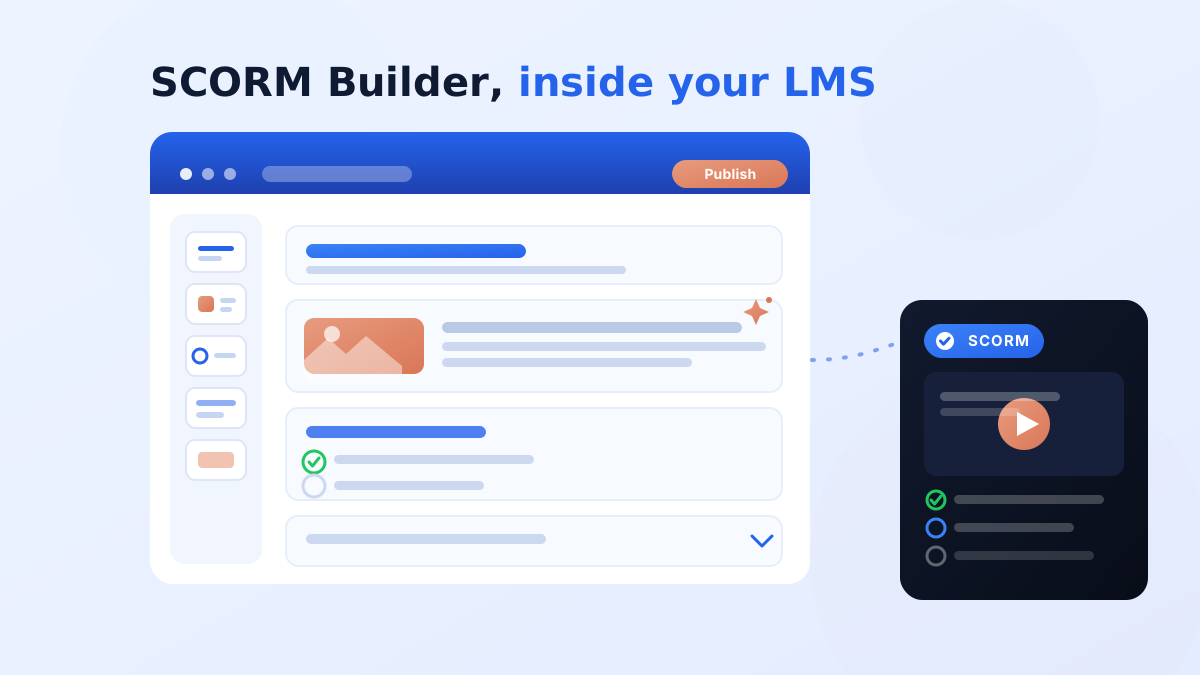
edzlms now lets you build complete, interactive SCORM courses without ever leaving the LMS — and without buying Articulate, Captivate, or any add-on. Open a course, click Create SCORM, and a full-screen visual editor opens. Drag in text, images, video, accordions, tabs, flashcards and quizzes — or import a PowerPoint, PDF or Word file and edzlms rebuilds it into editable lessons with your text and images intact. One click publishes it as a live, tracked SCORM activity in the same course. Plain Moodle never had this. The few enterprise LMSs that offer native authoring make you export a file and re-upload it — edzlms publishes in place, and it's included, not a premium add-on.
Why this matters
The short version
- SCORM authoring now lives inside edzlms — a Rise-style visual builder, no third-party tool or per-author license.
- Plain Moodle has never had native SCORM authoring; edzlms adds it directly to your LMS.
- No export-and-reupload: one click publishes the SCORM activity into the same course, and re-publish updates it in place with tracking preserved.
- Import the content you already own — PowerPoint, PDF and Word come in as fully editable lessons, not flat snapshots.
- Built-in AI writing help (OpenAI, Claude, Gemini) and self-contained, offline-safe packages.
- What used to need Articulate + an upload dance is now one screen inside the LMS your learners already use.
The gap nobody fixed — until now
Here's the quiet truth about almost every learning platform on the market: your LMS plays SCORM, but it can't build it. For decades the deal has been the same — buy a separate desktop authoring tool (Articulate Storyline, Rise, Adobe Captivate), build your course there, export a SCORM ZIP, then cross over to your LMS to upload, test and wire up tracking. Two tools, two bills, two skill sets, and a fragile hand-off in the middle.
A handful of premium, enterprise-priced platforms have recently bolted on native authoring — but even those make you export a SCORM file and re-import it, and they sit at the top end of the market. And if you run a Moodle-based LMS — the most widely used platform in the world — the answer has always been a flat no. Moodle core ships H5P, not SCORM authoring. To make a SCORM course, you left the building.
edzlms closes that gap. The authoring tool isn't a separate app you integrate — it is the LMS. And it doesn't hand you a file to upload; it publishes a finished, tracked SCORM activity straight into your course. That combination — visual SCORM authoring, built into a Moodle-based LMS, publishing in place, with your existing decks importable — is what no one else puts in one place.
How it feels: create → publish, never leave
Inside any edzlms course, creators now see a Create SCORM option. Click it and a full-screen, modern visual editor opens — drag blocks onto the canvas, arrange them into lessons, brand them, preview exactly what the learner will see, and publish. The output is a standard SCORM activity sitting in the same course you started from.
This is a genuine Rise-style experience — drag-and-drop, rich design variants — except there's nothing to install, no separate login, and no ZIP to shuttle around. The whole lifecycle collapses into one place: create → publish → learners launch → you edit → re-publish updates the same activity, preserving learner tracking wherever the SCORM standard allows.
And your learners get a premium experience
Published courses don't open as a flat slideshow. Learners land on a polished course overview — a full-bleed cover with the title, a description and a Start course button, plus a scrollable lesson menu with completion rings (modelled on Articulate Rise). Then a clean paged reader: one lesson per page, a searchable table-of-contents sidebar, Previous/Continue navigation, and a completion screen. Come back later and a Continue course button resumes exactly where they left off. Completion and score report to your LMS automatically — no separate learner login anywhere.
Already have content? Import it — and keep everything
This is where teams feel the difference immediately. You already own training material — slide decks, PDF handbooks, Word SOPs. Some platforms can turn a deck into flat image "snapshots." edzlms does something better: it imports your files as real, editable lessons.
- PowerPoint (.pptx): slides become lessons. Text and images are extracted into editable blocks you can restyle and enhance with quizzes and interactivity.
- PDF (.pdf): slide-aware, per-page extraction pulls text and images out of each page with transparency preserved — lists even become accordions where it makes sense.
- Word (.docx): documents are segmented into blocks and lessons, with lists and images carried across.
The point: your text and images come across intact and editable. You start from 80% done instead of a blank canvas — turning years of existing material into modern, tracked SCORM courses in an afternoon.
A full authoring toolkit — included
A build is a sequence of lessons, each a stack of blocks you drag from a palette. The library covers what you'd expect from a premium standalone tool:
- Content: Heading, rich Text, List/Bullets, Statement/Callout, Divider, page-break, Button.
- Media: Image, Image + Text, Gallery, Audio, Video/Embed (YouTube/Vimeo).
- Interactive: Accordion, Tabs, Click-to-reveal, Timeline, Modal, Check-for-Understanding quizzes, and Flashcards.
Most blocks offer design variants — alternate looks for the same content, picked from a thumbnail grid (accordions, tabs with a process stepper, gallery carousels, flashcard flip/carousel, image-over-text layouts, and more). A build-wide Branding panel sets your colours, fonts and spacing, and a Cover editor controls the hero and course description — set once, applied everywhere.
AI that helps you write
Every text field has a ✨ assistant: Rewrite, Shorten, Expand, Fix tone, Make N bullets, Suggest a heading, plus your own prompts — each result in an accept / regenerate / discard flow, so AI never silently overwrites you. It runs on OpenAI, Anthropic Claude, or Google Gemini (admin's choice) and degrades gracefully offline if no key is set.
From blank page to published course, in minutes
- 1Open a course
More → Create SCORM opens the full-screen builder, scoped to that course.
- 2Pick a starting point
Blank canvas, or import a PPTX/PDF/DOCX — your content comes in as editable lessons.
- 3Author visually
Drag blocks, add media, accordions, tabs, flashcards and quizzes; pick a design variant per block.
- 4Polish with AI & branding
Refine copy with ✨, set colours, fonts and the cover page in a couple of clicks.
- 5Preview as a learner
See the exact learner reader — cover overview, lesson menu, sidebar search and all.
- 6Publish in one click
A conformant SCORM activity is created right in your course. Open in course lands you on it.
- 7Edit anytime
Reopen, change, Re-publish — the same activity updates in place, tracking preserved.
edzlms — SCORM Builder inside your LMS
- Author inside the LMS, in the browser — nothing to install
- Included with edzlms — no per-author license
- One click publishes the SCORM activity into the same course
- Edit & re-publish updates the same activity, tracking preserved
- Imports PPTX/PDF/DOCX as fully editable lessons
- Source file lives in the LMS — versioned, autosaved
- Built-in AI writing help (OpenAI/Claude/Gemini)
The usual way (standalone tools / other LMSs)
- Separate desktop app or premium enterprise add-on
- Per-author annual license, often costly
- Export a SCORM ZIP, then upload it to the LMS
- Re-export and re-upload for every edit
- Imports often produce flat image snapshots
- Source file stranded on someone's laptop
- AI help is an extra tool or upsell
Built on Moodle? This is the part to underline
Standard Moodle has never shipped native SCORM authoring — only H5P, which isn't SCORM. edzlms adds a true visual SCORM builder to a Moodle-based LMS and publishes straight into your course. If you've ever wished Moodle could just build SCORM, this is it.
Want the full how-to, or to see it in action?
Read the step-by-step author guide in our documentation: https://docs.edzlms.com/ai-functions/edzrisebuilder/author/getting-started/ — it covers getting started, every block type and publishing. Prefer to watch? Video walkthroughs are on our product demo page: https://edzlms.com/product-demo/ — see the SCORM Builder, import and publishing live before you try it yourself. New here? Start with the SCORM Builder overview: https://edzlms.com/scorm-builder-inside-lms/
Pro tip when you publish
Set the SCORM activity's Appearance → Display package to “Current window.” The edzlms reader is a full-screen, fully responsive experience built for that mode — the cleanest learner view, no popup quirks.
Frequently asked questions
Do I still need Articulate or Captivate?
No. edzlms includes a full visual SCORM authoring tool — drag-and-drop blocks, interactivity, design variants and one-click publishing — so you can build and ship SCORM courses without any third-party authoring software or license.
Don't some other LMSs already do this?
A few premium, enterprise-priced platforms have recently added native authoring, and standalone authoring tools have always existed. What's genuinely rare is the full combination edzlms offers: visual SCORM authoring built into a Moodle-based LMS, publishing straight into the same course in one click (no export-and-reupload), importing your PPTX/PDF/DOCX as fully editable lessons — all included, with no per-author license. Plain Moodle has never had native SCORM authoring at all.
Can I import my existing PowerPoint or PDF?
Yes — .pptx, .pdf and .docx. edzlms segments them into editable lessons with text and images preserved: PowerPoint slides become lessons, and PDF pages are extracted per-page with images intact. You then edit and enhance them like any other build.
Is the published course a real SCORM package?
Yes. Publishing produces a conformant SCORM 1.2 package (SCORM 2004 optional), built server-side, as a standard SCORM activity. Completion and score track exactly like any other SCORM content.
What happens to learner tracking when I re-publish?
Re-publishing updates the same activity in place with a versioned package, preserving learner tracking wherever the SCORM standard allows — you don't create a new activity or lose your setup.
Is it self-contained / does it work offline?
Yes. At publish time all media is bundled into the SCORM package, so the course is self-contained and doesn't depend on a live connection back to the authoring tool.
Who can build and publish courses?
Editing teachers and managers, scoped to the course they're working in. You open the builder from inside a real course (More → Create SCORM) — not the site front page — because a published SCORM activity needs a valid course context.
Where can I learn more or watch a demo?
The author getting-started guide is in our documentation at docs.edzlms.com, and video walkthroughs are on our product demo page at edzlms.com/product-demo/.
Stop authoring in one tool and delivering in another
The two-tool era is ending. With edzlms you build interactive courses in a modern visual editor, import the content you already own, let AI help you write, and publish a tracked SCORM activity in one click — all inside the LMS your learners already use. No extra license. No export dance. No leaving the building.
Want to see it on your own content? Bring a PowerPoint or PDF to a live walkthrough and we'll turn it into an interactive SCORM course in minutes.
→ Book a Free Demo | See the SCORM Builder | Watch the video demos | Read the author guide
Or reach the team any time at marketing@edzlms.com.
Pairs with edzlms's other AI features — the Study with AI layer that turns any uploaded SCORM into summaries, glossaries, flashcards and quizzes, and Gelato AI roleplay for conversation practice. One platform, end to end.