





Your LMS design matters more than you think.
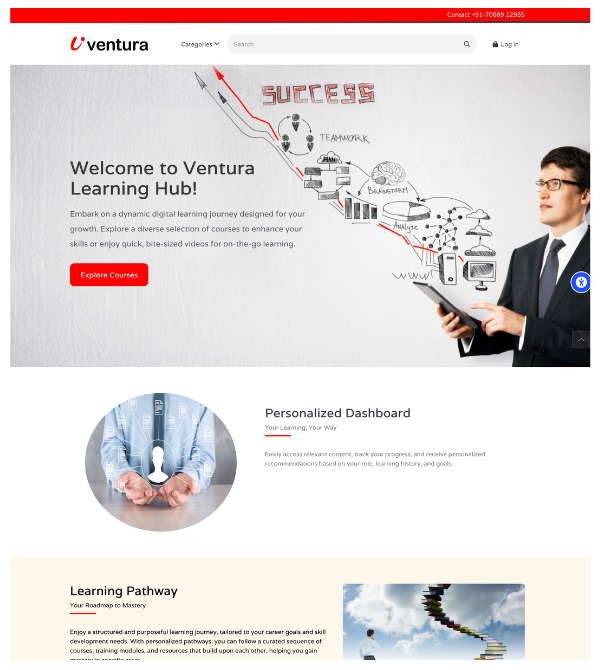
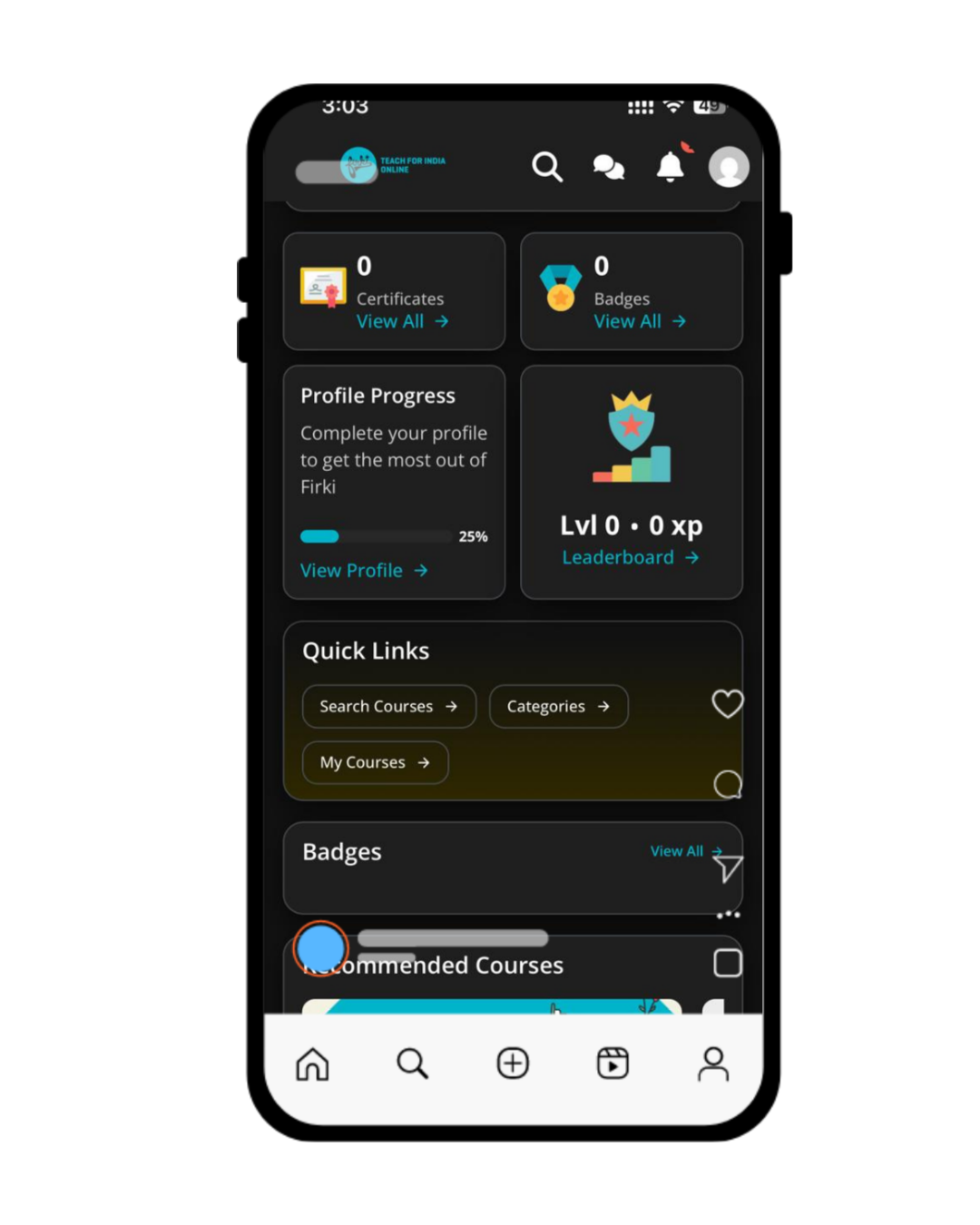
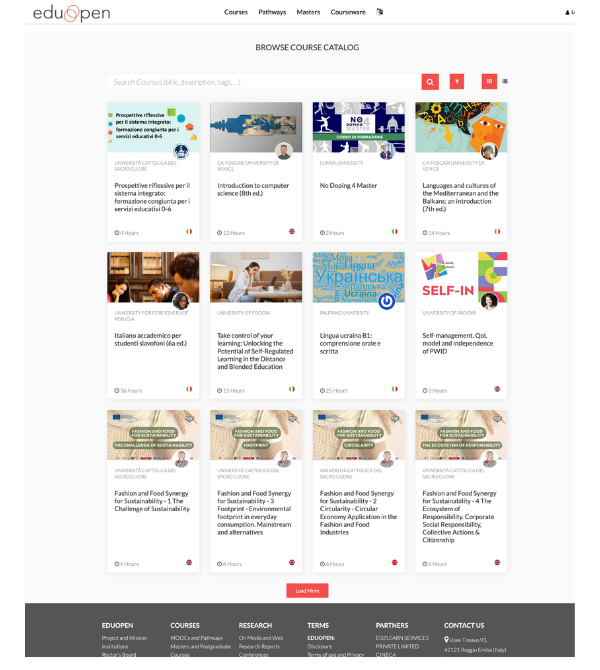
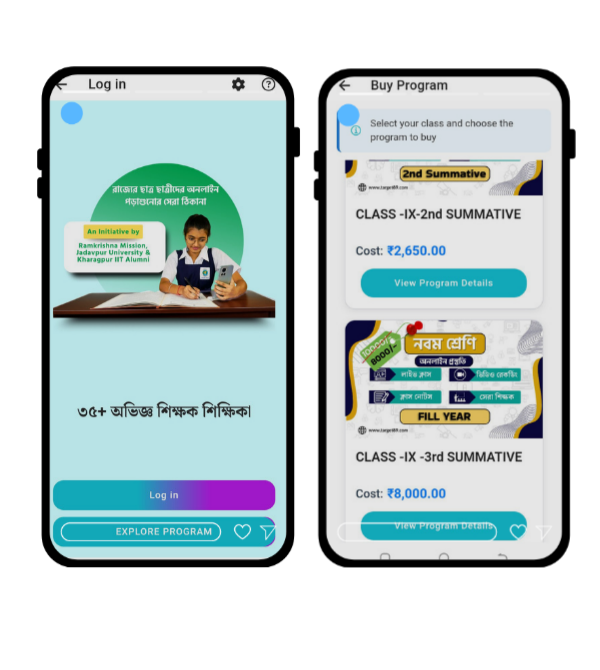
Students judge your platform in seconds. If it feels confusing or outdated, engagement drops fast. The right Moodle theme can change everything — from login experience to course completion rates.
Here’s a detailed breakdown of powerful Best Moodle themes, including features, pros, cons, and demo/download options.
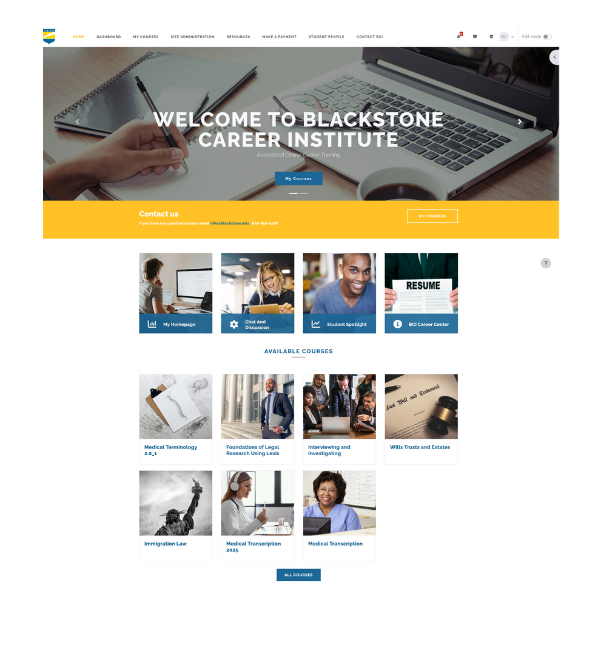
1️⃣ LearnR Moodle Theme
Key Features
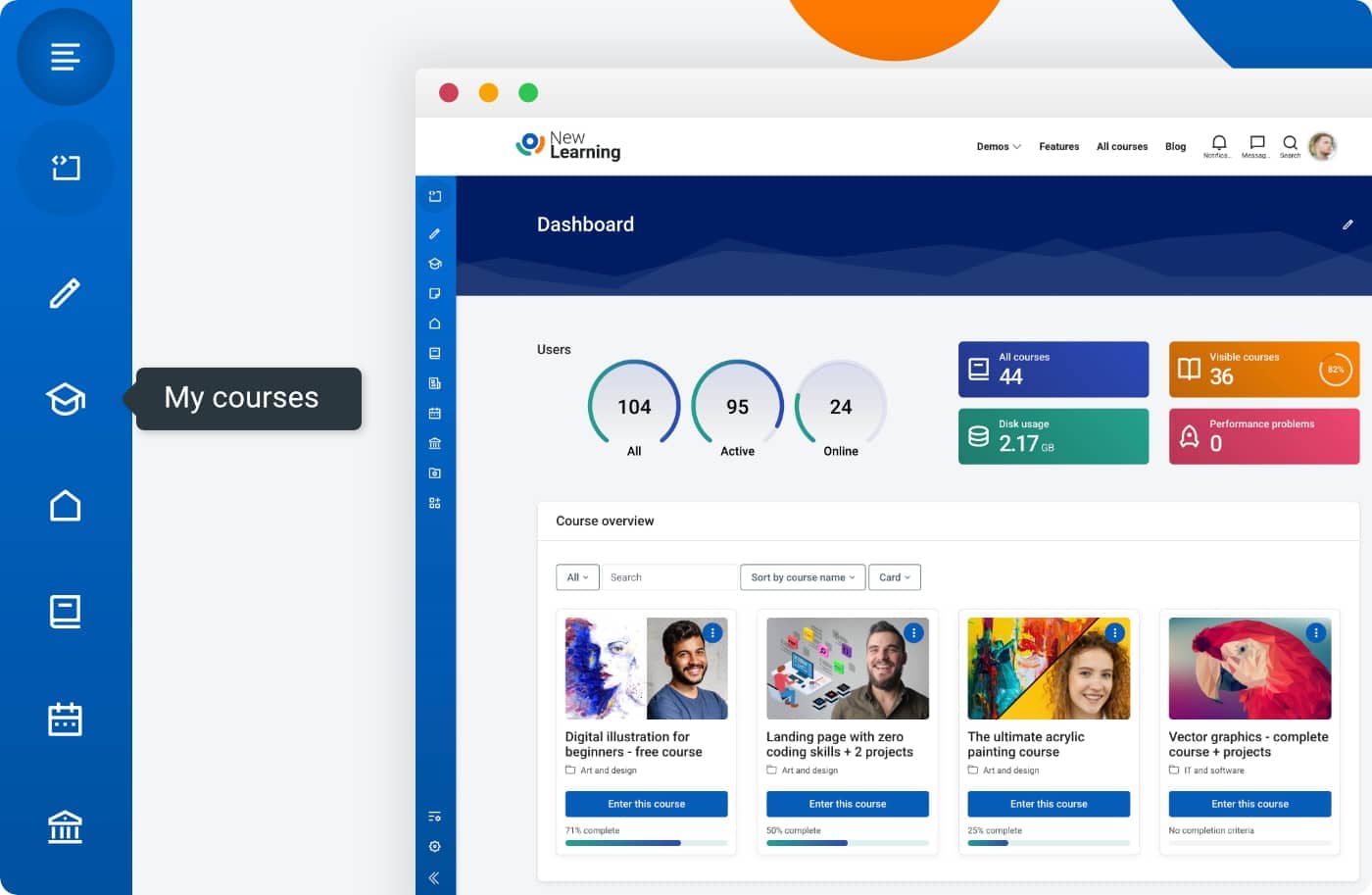
- Removal of drawers for cleaner layout
- Teacher Course Management Dashboard
- Course Title Display Chooser
- Section Style Chooser
- Course Progress Bar
- Latest Course Drop Down
- Icon Navigation Menu System (Home, My Courses, Dashboard)
- Course Activity List Drop Down
- Default Image on My Courses Page
- Additional Color Choosers
- Advertisement Tile Page Selectors
- Hide Login Form (for SSO like Google login)
- Styling tweaks for better default installation
Pros
- Smooth “login to learning” experience
- Full-width clean layouts
- Strong customization options
- Better course organization tools
- Supports multiple Moodle plugins
- Includes navigation icons, progress tracking, and dropdown tools
Cons
- Some reported code optimization issues
- Front page customization may feel limited
- Clean install recommended during version upgrades
Best For
Institutions that want strong course management and improved navigation flow.
Demo & Download
🔹 Live Demo: Available on official theme provider site
🔹 Download: Available via Moodle plugin directory or vendor marketplace
2️⃣ Edwiser RemUI

Key Features
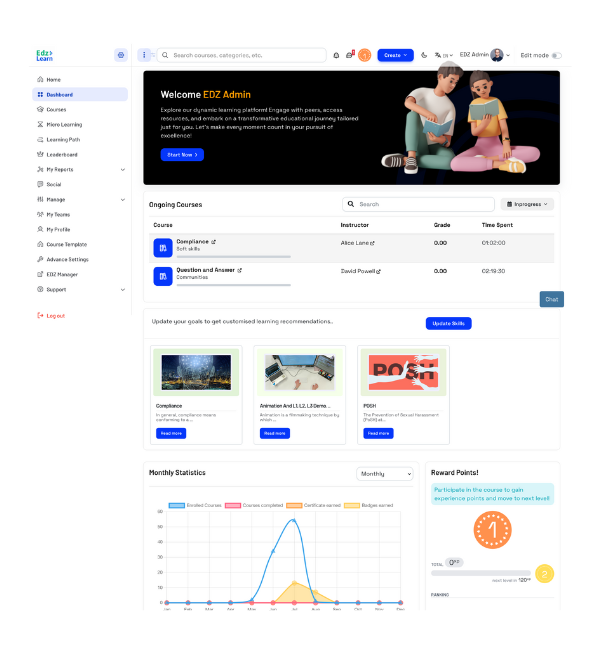
- Drag-and-drop homepage builder
- Personalized student dashboards
- Advanced reporting widgets
- Custom login page builder
- Mobile-first design
- Real-time course analytics
Pros
- Very modern interface
- Excellent support & updates
- No coding required
- Highly professional layout
Cons
- Premium pricing
- Some advanced features require configuration time
Best For
Corporate LMS, coaching institutes, professional academies.
Demo & Download
🔹 Live Demo: Available on Edwiser website
🔹 Download: Premium purchase required
3️⃣ Adaptable (Free Theme)

Key Features
- Highly customizable layout
- Responsive design
- Flexible blocks and widgets
- Font & color controls
- Custom header/footer options
Pros
- Free and flexible
- Large Moodle community support
- Works well for schools and colleges
Cons
- Interface not as modern as premium themes
- Requires time to configure properly
Best For
Educational institutions looking for flexibility without budget pressure.
Demo & Download
🔹 Live Demo: Moodle demo servers
🔹 Download: Moodle Plugin Directory
4️⃣ Lambda Theme
Key Features
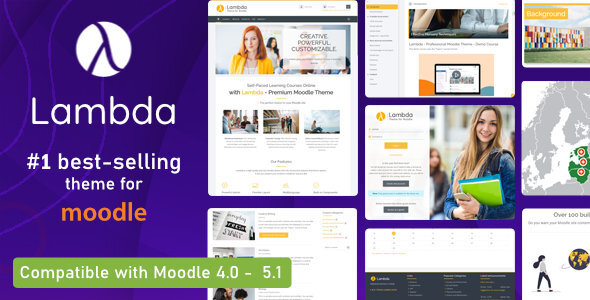
- Multiple homepage layouts
- SEO-friendly structure
- Custom branding support
- Responsive and retina-ready
- Built-in marketing sections
Pros
- Professional design
- Good for selling courses
- Strong visual customization
Cons
- Paid theme
- Slight learning curve for setup
Best For
Online academies and paid course platforms.
Demo & Download
🔹 Live Demo: Theme marketplace site
🔹 Download: Available via ThemeForest
How to Choose the Right Moodle Theme
Before picking one, check:
✅ Mobile responsiveness
✅ Customization flexibility
✅ Plugin compatibility
✅ Regular updates
✅ Performance optimization
Why This Matters for EdzLMS Users
At EdzLMS, we help institutions deploy Moodle with the right theme strategy — not just installation.
The goal isn’t decoration.
The goal is better engagement, smoother navigation, and higher course completion.
If you need help selecting, customizing, or installing a Moodle theme, our LMS experts can guide you step-by-step.

